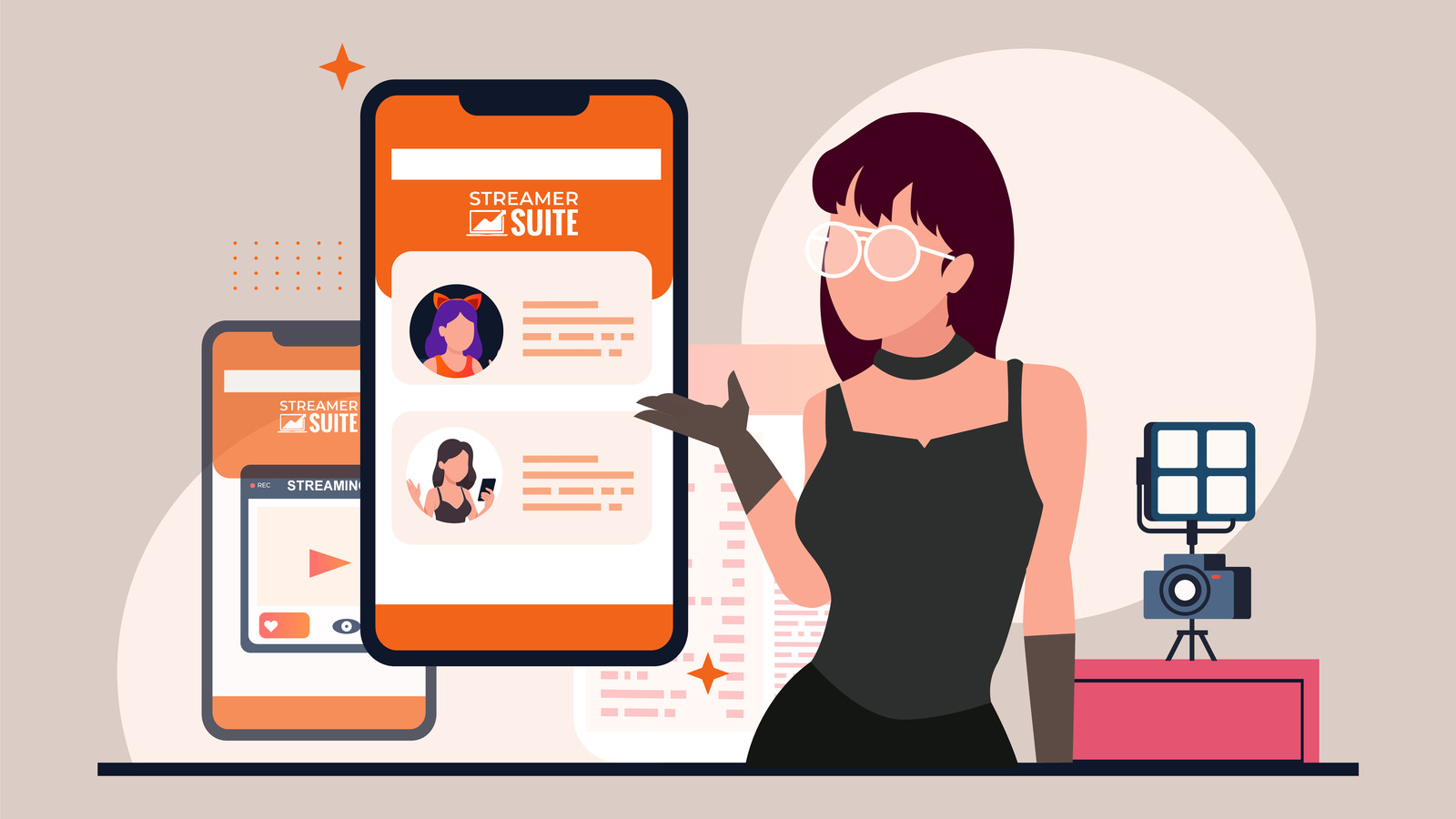
As a streaming professional, the device you choose to check your profile is most likely the same one you use for streaming. Most often, this is a desktop or laptop, with a spacious screen that lets you view your profile on a large browser window. Your graphics are correctly positioned, everything appears neatly aligned, and you are left feeling confident that your viewers will experience the same.
However, the reality is quite different.
Approximately 70% of your audience is actually viewing your profile on a small, narrow mobile screen, not on a large widescreen monitor. This means they are scrolling through your carefully curated profile with just one thumb and are presented with a drastically different version of your profile than what you envisage. The aesthetically pleasing design that you crafted on your laptop can end up appearing disorganized and confusing when compressed to fit the narrow width of a mobile screen.
Many streamers underestimate the significance of mobile viewing in live streaming. According to data from multiple analytics platforms, including insights from Chaturbate, roughly 70% of viewers use mobile devices. So, if you have 100 people watching or checking out your profile, 70 of them are doing so on a phone or tablet.
There is a notable disparity between how streamers prepare their content and how viewers consume it. Most streamers, around 99%, stream from a laptop or desktop computer. This is understandable given the larger screen and superior hardware that make it easier to manage your broadcast. However, it simultaneously creates a significant disconnect.
When you view your profile on a wide screen, your experience is quite different from that of the majority of your audience. It’s akin to designing a poster for a billboard only to discover that most of your audience is viewing it on a business card.
Viewing your profile on a laptop or desktop brings several benefits:
However, when that same layout is scaled down to a mobile screen, several issues can arise:
You may see a clean, balanced design from your vantage point on a laptop, but your mobile viewers may be grappling with a page that appears disorganized and overwhelming.
Your audience’s habits should guide your design choices, even if you don’t personally browse streaming sites on your phone. Mobile viewers are often:
This implies that your mobile layout should provide clarity and appeal instantly. A well-designed desktop profile that becomes unruly when viewed on mobile can cost you followers, tips, and long-term fans.
Before you make any design alterations, you need to view your profile as your viewers do. Here are some ways to check:
This exercise could be a revelation. It can expose that attention-grabbing graphics are actually unreadable, and important buttons are located too far down the page. It can also highlight how text that appeared concise on your laptop now seems like an intimidating block of words.
Designing a profile that functions equally well on mobile and desktop is more complex than it seems. Streaming platforms weren’t originally designed with advanced responsive design in mind. They provide a limited set of customization tools which can make balancing visual appeal and usability across different devices a challenge.
Some of the key challenges include:
Without adopting a deliberate mobile-first strategy, you risk developing a profile that looks visually pleasing to you but frustrates the majority of your visitors.
This is where the profile design service provided by StreamerSuite proves invaluable. Every theme we design is fully responsive, meaning it automatically adapts to the size of the viewer’s screen. Whether your profile is being viewed on a widescreen desktop monitor, a laptop, a tablet, or a small phone, the layout is optimized for clarity and impact.
We adopt a mobile-first approach to design. This ensures:
When you use a StreamerSuite theme, you are getting a profile that is attractive not just on your laptop, but for the 70% of your audience who are visiting from a mobile device. This distinction can directly influence engagement, tipping, and overall fan base growth.
To see how our themes address this issue, compare our mobile-optimized profile designs with what you are currently using. The improvement will be evident.
A mobile-optimized profile does more than just look organized. It alters the way people interact with your content:
Small enhancements in mobile usability can lead to significant increases in engagement and revenue.
To maintain an appealing profile on mobile, avoid these common mistakes:
StreamerSuite’s themes are designed to avoid these pitfalls automatically, but if you are customizing your own profile, these are key points to consider.
A mobile-friendly design isn’t a set and forget affair. As platforms alter their layouts, you add new content, and your audience’s device preferences evolve over time, it’s essential to:
Consider your profile as a dynamic aspect of your brand that requires regular attention, not just a one-off setup.
If as a streamer you have been solely focusing on laptop or desktop design, it’s time to alter your approach. A significant portion of your audience is viewing a drastically different version of your profile than you are.
Designing with a mobile-first approach isn’t just an added bonus. It’s essential to connect with the 70% of viewers who browse on their phones. Without it, you risk losing potential fans simply because your profile is hard to navigate on the devices they use most.
With StreamerSuite’s mobile-optimized themes, you can trust that your profile will look excellent and function seamlessly on both mobile and desktop. This allows you to focus on streaming while ensuring your brand leaves the right impression every time someone visits.
While you may create content on your laptop, your mobile viewers are where your growth lies. It’s crucial that your profile treats them as the priority they truly are.
For those looking to dive deeper into these strategies, this comprehensive streaming optimization guide provides additional insights and practical techniques that complement what we’ve discussed here.
Leave a Reply